
Resources
What is Qapera?
Qapera is a cloud inventory, cost, and production platform built for restaurants, cafés, central kitchens, and food manufacturers. It connects purchasing, recipes, warehouse ops, production, and daily P&L on one live system — visibility during the day, not a spreadsheet after month-end.
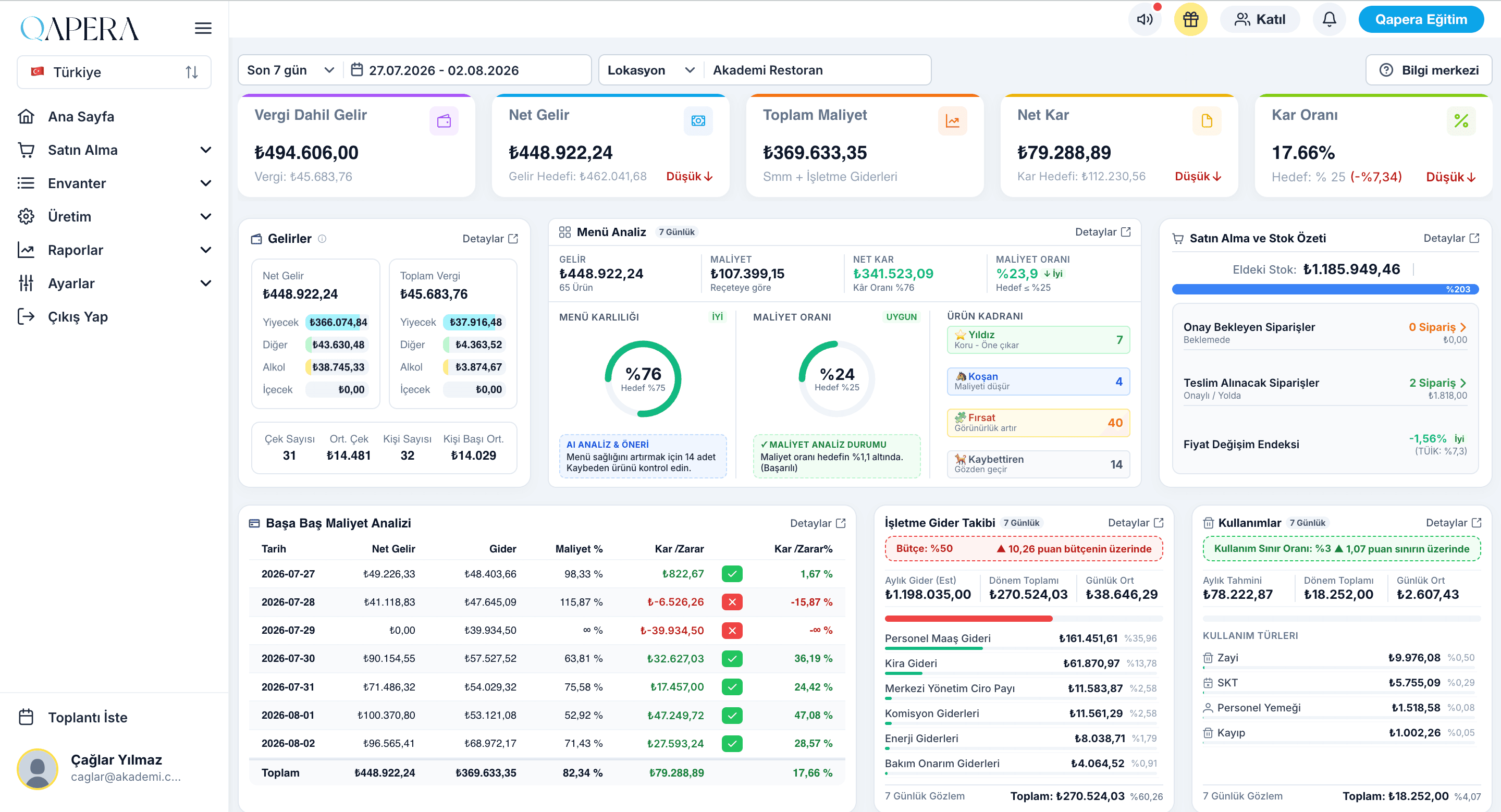
One operations backbone for food businesses
Qapera links the floor and the back office on the same data. POS sales reduce stock by recipe; purchases and counts stay current; cost and profit refresh every day. Accounting and banking partners plug into the same flow.
We are not chasing “more reports.” We help you catch waste, price drift, and branch gaps before they compound — from a single site to franchise networks and central production.
How Qapera works
We keep onboarding to three clear steps. Once systems are connected, the operation feeds itself.
Connect POS and accounting
Integrate your existing point of sale and ledger tools. Sales and bill movements flow into Qapera so teams stop double-entering and waiting on late spreadsheets.
Keep recipes, stock, and purchasing live
Manage menu recipes, warehouse counts, and orders in one place. Theoretical usage versus actual on-hand becomes visible every day.
Run production and profit in-day
Central production, branch dispatch, and fully loaded daily P&L move on the same screen. Decide before the month closes — not after.
What Qapera produces once connected
After integrations are live, teams work from these outputs instead of stitching files — all from one data model.
- Real-time inventory and warehouse moves
- Recipe costing and menu profitability
- Theoretical vs actual usage / waste signals
- Fully loaded daily profit & loss
- Break-even visibility
- Central production plans and work orders
- Franchise ordering and branch collections
- Purchasing and supplier quote flows
- POS-to-inventory sync
- Accounting / invoice matching
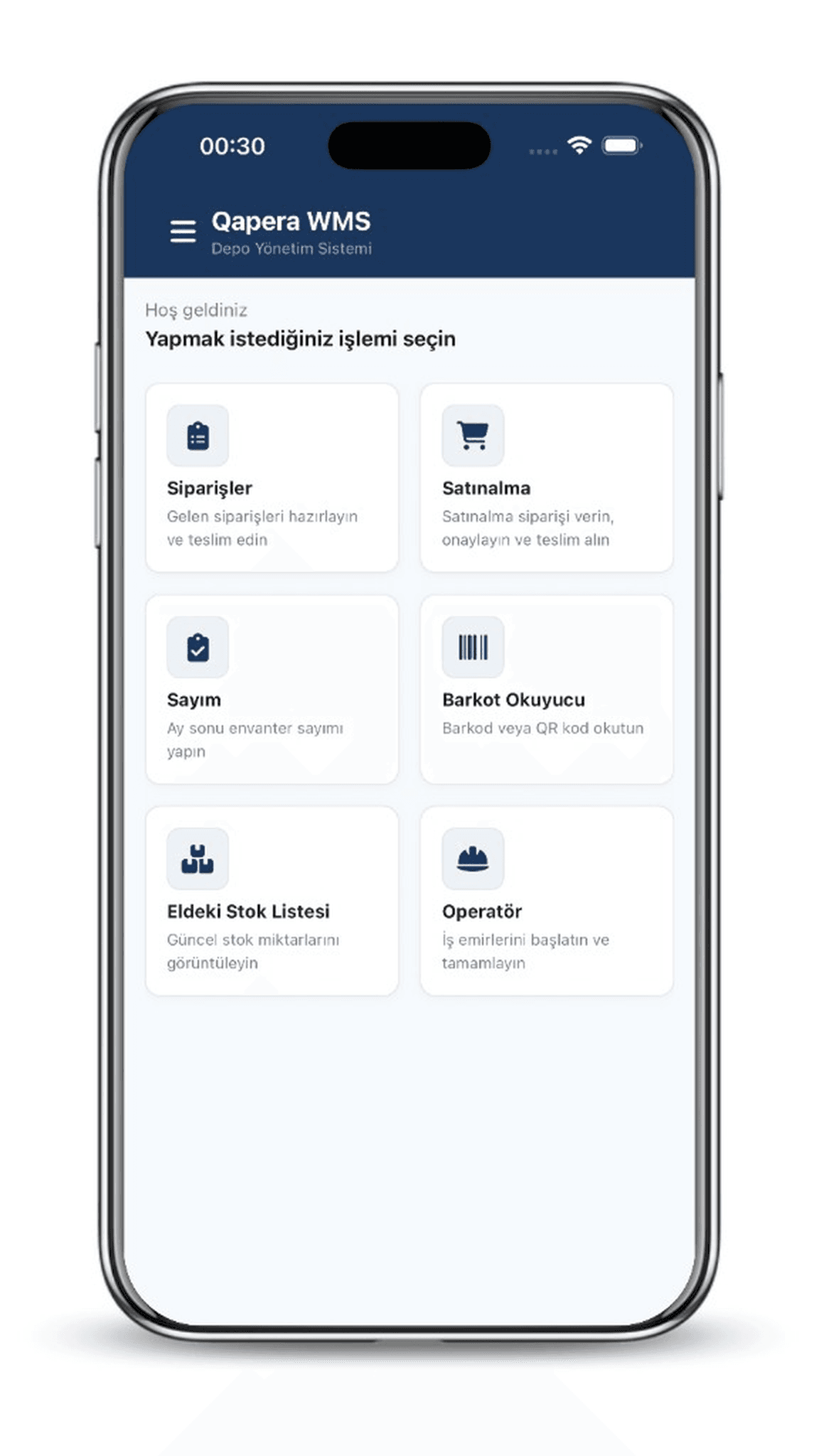
- Mobile warehouse (Qapera WMS)
- Mobile executive reports (Qapera Reports)
Four promises, short form
Inventory control
Live stock, consumption, and warehouse ops — floor to HQ.
Cost management
Recipes, menu profit, and operating expenses in one model.
POS integration
Sales update inventory; theoretical usage stays current.
Cloud + mobile
Web, WMS, and Reports — access without heavy local install.
Tools that speed up the operation
Every module sits on the same inventory and cost backbone — one source of truth instead of conflicting spreadsheets.
Inventory and warehouse — floor to HQ
Run orders, counts, barcode scans, and work orders on phone or tablet. HQ sees what branches actually hold, not what someone hoped they held.
- Track theoretical vs actual usage daily
- Catch waste and shrinkage early
- Standardize multi-site stock language
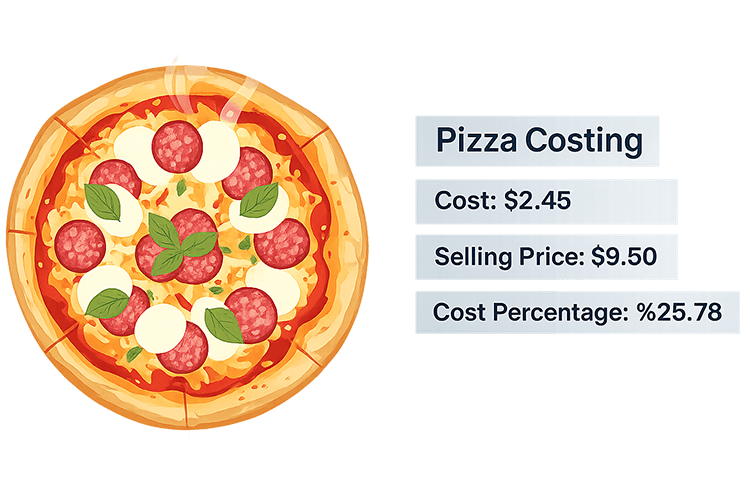
Recipe costing and menu pricing
Cost sub-recipes and plated items with real ingredient prices. Set sell prices against food-cost targets — not gut feel.
- Sub-recipe + portion costing model
- See which dishes drive profit vs drag margin
- Keep costs current when supplier prices move
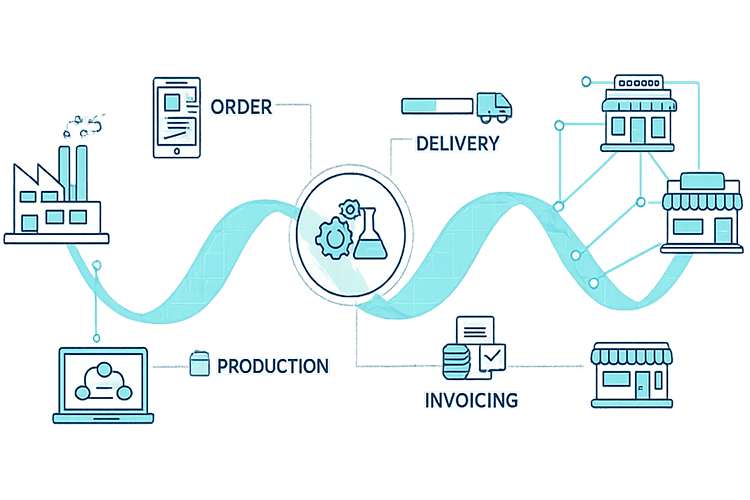
Central production and franchise flow
Branch orders hit approval, flow into production, then ship. Optionally tie branch payments into the same panel to shorten cash cycles.
- Shared order and approval panel
- Work orders, stock plans, and dispatch tracking
- Franchise / branch collection tied to ops
Daily P&L — do not wait for month-end
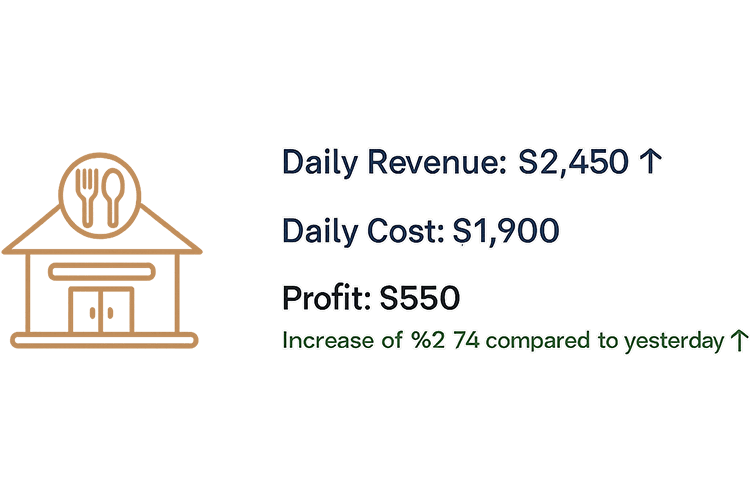
Combine COGS with operating expenses for a fully loaded daily profit view. Intervene the day the variance appears.
- Daily sales, cost, and profit snapshot
- Progress against break-even
- Compare by branch and by item
Integrated with POS, accounting, and banking
Keep your sales, invoicing, and collection stack connected. Qapera sits on top of what you already run — you do not rip and replace everything.
- POS sales update inventory by recipe
- Supplier bills match stock items
- Bank partnerships speed branch collections

Daily visibility for decisions
Data accumulates overnight; the picture is ready in the morning. Teams ask what to fix today — not only what happened last month.
Daily profit & loss
Sales, food cost, and expenses in one view — steer before the close.
Recipe and menu profitability
Keep portion cost aligned with sell price using live ingredient costs.
Theoretical vs actual
Compare purchased, sold, and on-hand to quantify waste and portion drift.
Break-even
Watch the line where the business turns profitable — in a shared language across sites.
Stock and warehouse movement
Keep counts, transfers, and production issues transparent across locations.
Multi-unit / franchise summary
Orders, dispatch, and collections on one panel for network consistency.
Who is it for?
From a single location to multi-unit networks, central kitchens, and catering — one backbone for food-focused operators.
Restaurants, cafés, and bars
Foodservice teams that want menu cost, inventory, and daily profit in one place.
Cloud kitchens and central kitchens
Operations that need production, dispatch, and branch orders in one flow.
Food manufacturers
Producers scaling recipes, production planning, waste, and cost control.
Catering companies
Large-scale foodservice teams that need inventory, cost, and delivery visibility.
See it on your own data
Start a 3-day free trial. Watch inventory, recipes, and daily P&L connect live — no credit card required.
Frequently asked questions
What is Qapera?
Qapera is cloud inventory, cost, and production management software for restaurants, cafés, central kitchens, and food manufacturers. It unifies purchasing, recipes, stock, production, and profit & loss.
How does Qapera work?
Connect POS and accounting, keep recipes and inventory live, then run production and daily P&L on the same data. The goal is in-day visibility instead of month-end assembly.
Who is Qapera for?
Single and multi-unit restaurants, cafés, bars, cloud kitchens, central production kitchens, food manufacturers, and catering companies.
Does Qapera integrate with POS?
Yes. Existing POS systems can connect so sales reduce inventory by recipe. See the integrations directory for partners.
Is POS or Excel alone enough?
POS records sales; spreadsheets tidy the month. Qapera joins both with recipes, stock, production, and daily P&L so losses show up when they happen.
Is there a free trial?
Yes. A 3-day free trial is available at app.qapera.com/registration — no credit card required.